
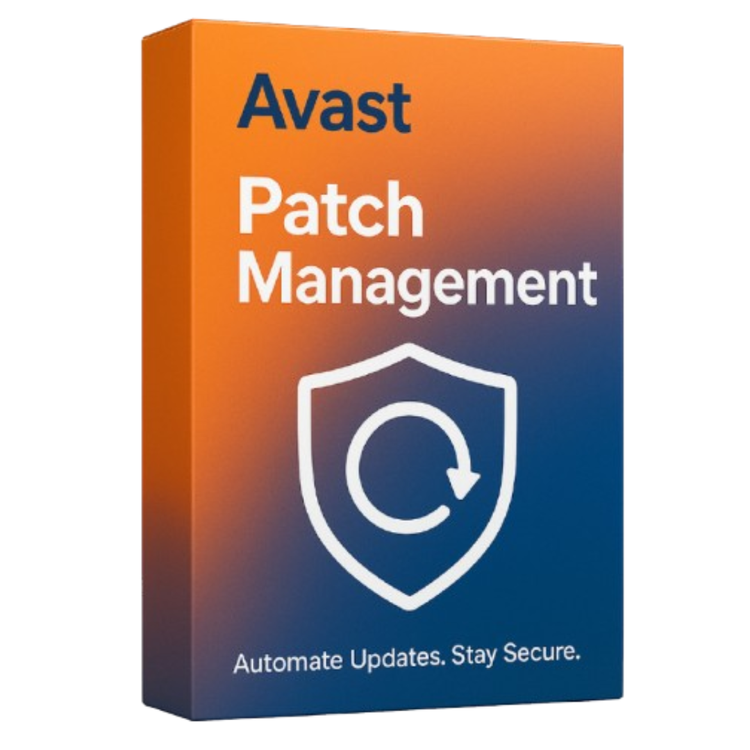

Avast Patch Management simplifies and automates the patching process to ensure that your Windows systems are always up to date and protected against known vulnerabilities. With automatic scans, scheduling, and patch deployment for Microsoft and third-party software, you can reduce the risk of exploits and save valuable IT time.
This cloud-based solution integrates seamlessly with Avast Business Hub, allowing centralized control and visibility over your entire patch status. By prioritizing and deploying critical updates, Patch Management strengthens your endpoint security posture and helps achieve compliance faster.
Pros:
- Automates patch scanning and deployment
- Supports Windows and hundreds of third-party applications
- Centralized management through Avast Business Hub
- Customizable scheduling and patch approval
- Reduces vulnerabilities and compliance risk
Cons:
- Available only for Windows-based systems
- No support for macOS or Linux environments
- May require initial configuration and policy setup
System Requirements:
Is your current defense strategy leaving you exposed?
Myth 1:
Software patches can be ignored. My antivirus is enough to protect my business from cyber attacks.
Fact:
57% of data breaches are attributed to poor patch management.
Myth 2:
We only need to worry about Microsoft-related patches.
Fact:
86% of reported vulnerabilities are found in third-party applications.
Myth 3:
If our network gets compromised, we can fix the problem later.
Fact:
It takes hackers 30 days to exploit a vulnerability, but it can take your company up to 186 days to fix it and up to $500,000 dollars to recover from just one single cybersecurity breach.
Myth 4:
The majority of cyberattacks are not preventable.
Fact:
As many as 85% of targeted attacks are preventable. The top 10 known vulnerabilities account for 85% of successful exploits.
Myth 5:
Patches break things and don’t work as promised.
Fact:
Our patch content engineers spend countless hours thoroughly testing all patches before we release them to you, in order to ensure they function optimally and don’t introduce new problems.
Why Avast Business Patch Management?
Save time with automation
Distribute thoroughly tested patches to thousands of machines in minutes, with minimal impact on your network.
Third-party application patching
Patching support for Microsoft Windows and hundreds of popular vendors like iTunes®, Oracle® Java, Adobe® Flash® and Reader, and more.
Remote patching
We only need to worry about Microsoft-related patches. Patch all devices — whether they’re behind the firewall, on the road, at remote sites, or even asleep.
Centralize management
Manage all Microsoft Windows and hundreds of third-party software updates from one online management platform.
Mitigate and close vulnerabilities
Achieve compliance, mitigate exploits, close vulnerabilities, and remotely deploy software and Windows updates.
Easy-to-use platform for ultimate control
How it works
Remote patchingScan all devices for missing patches
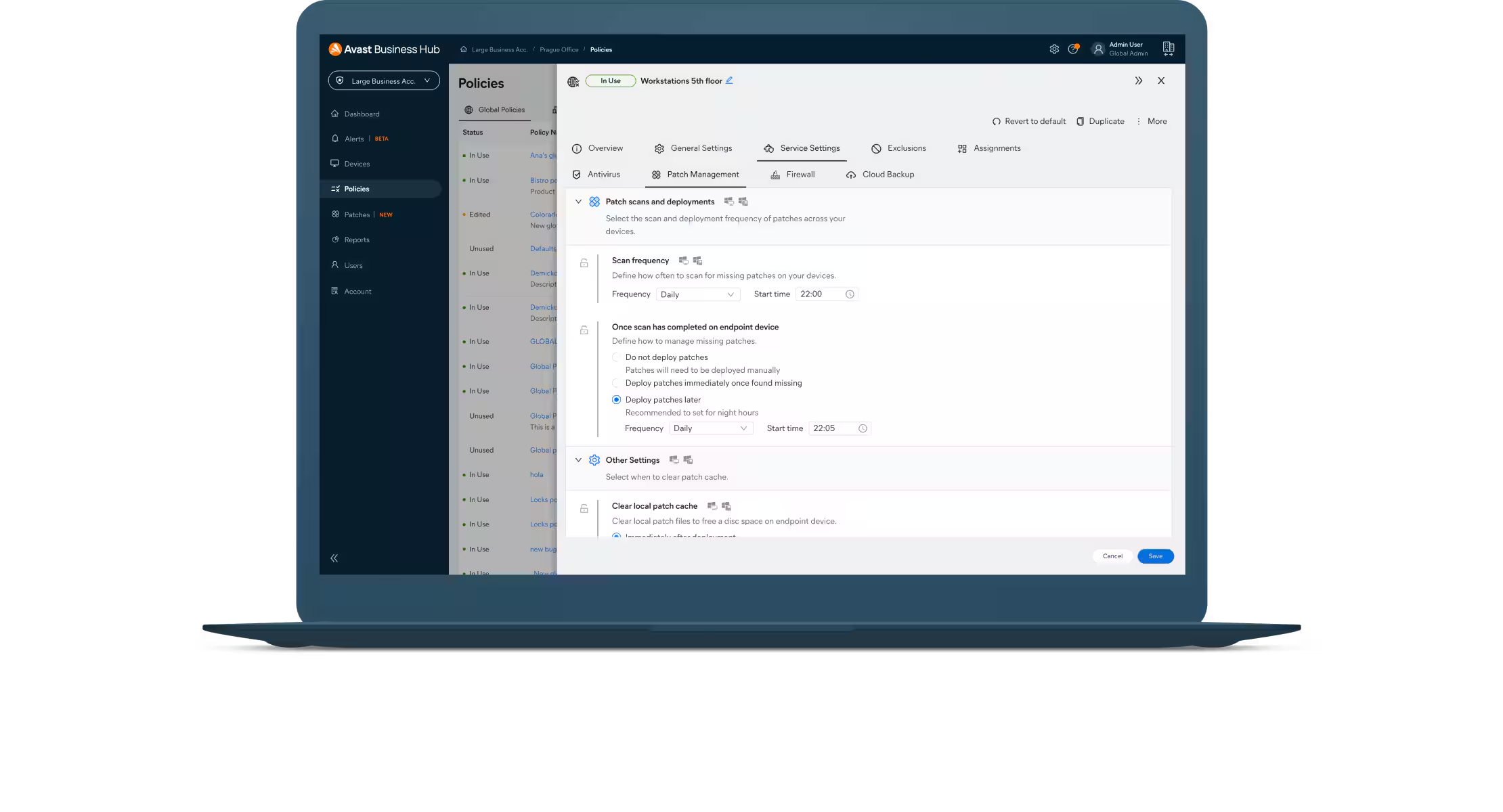
Select the frequency of the patch scan, either daily, weekly, or monthly, and schedule when you would like the scan to take place.
Deploy patches
All vendors, software applications, and severities will be patched automatically, but you can easily exclude individual ones from application patching if needed.
Review patch status
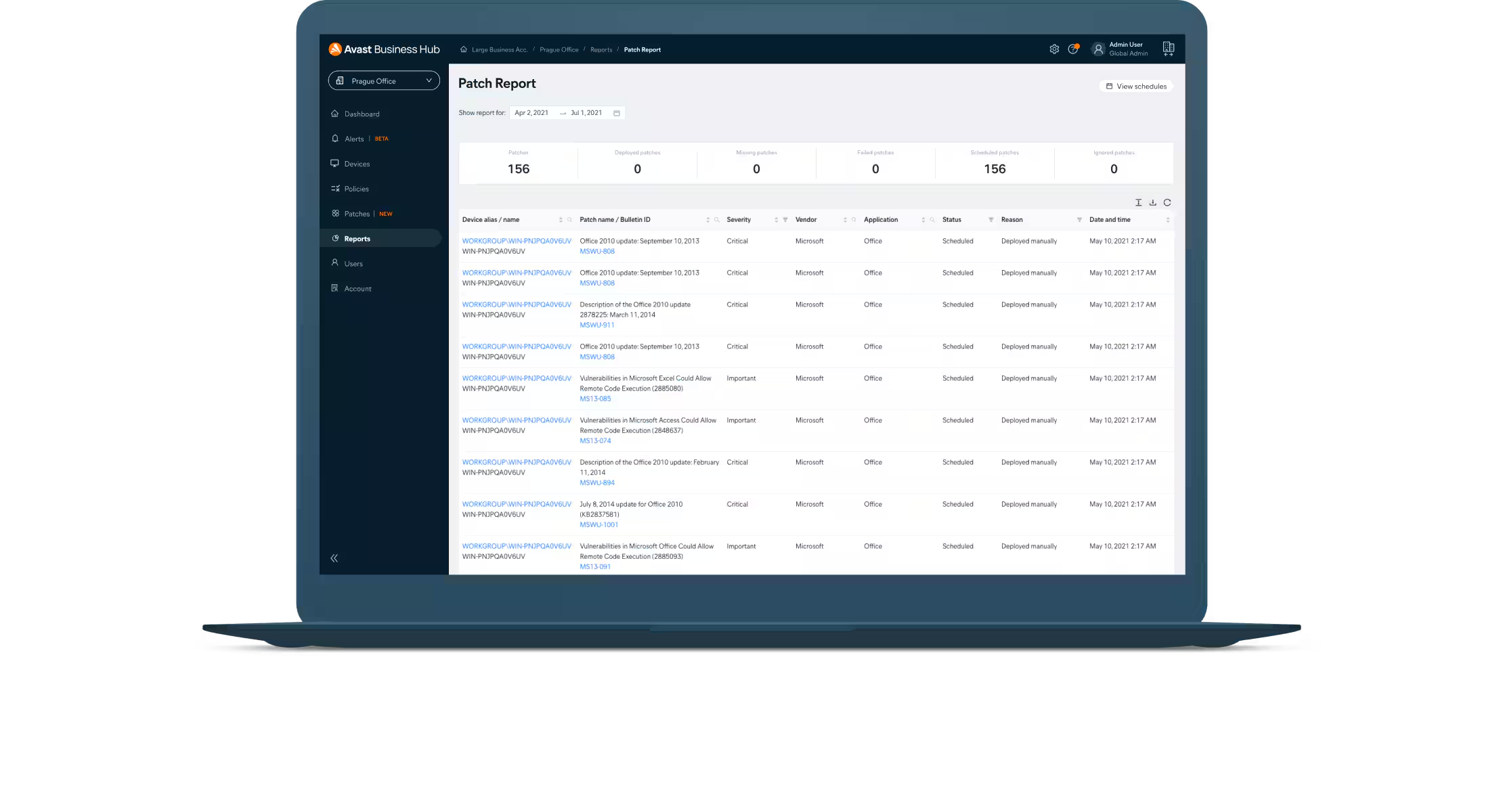
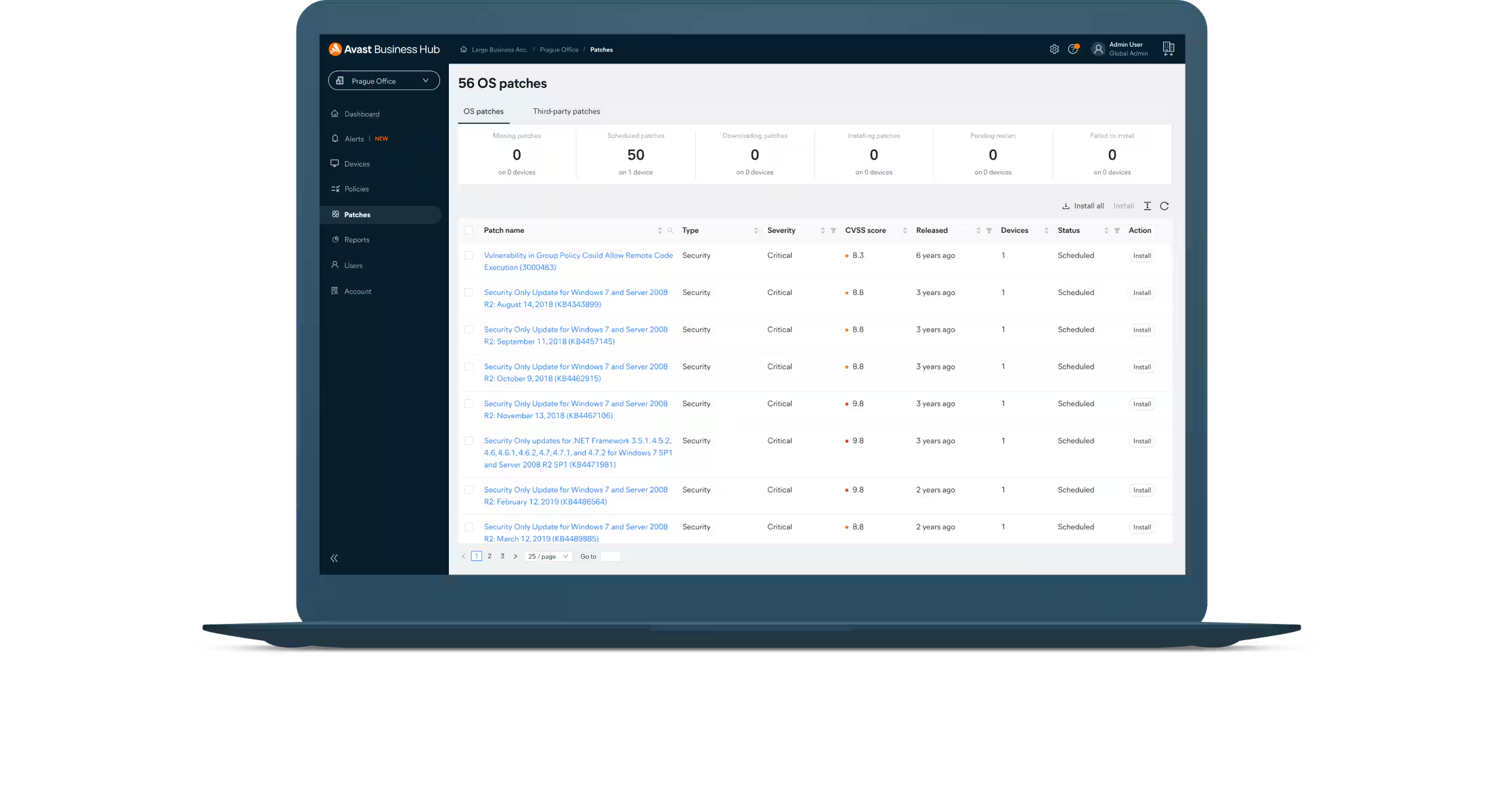
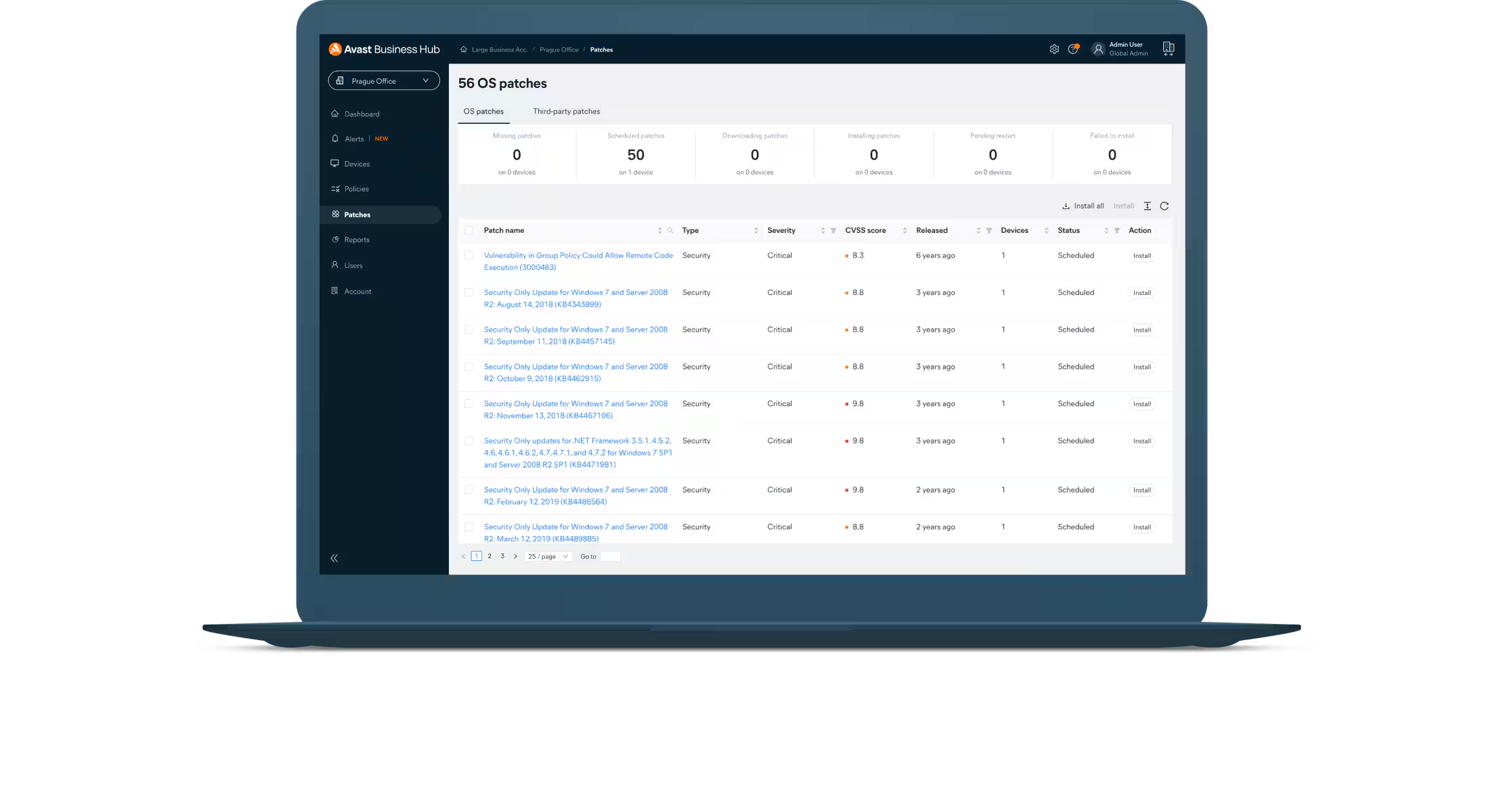
From the dashboard, you can view missing patches, patch names and severity levels, along with release notes, release dates, and more.
SAVE
Get Patch Management with Ultimate Business Security
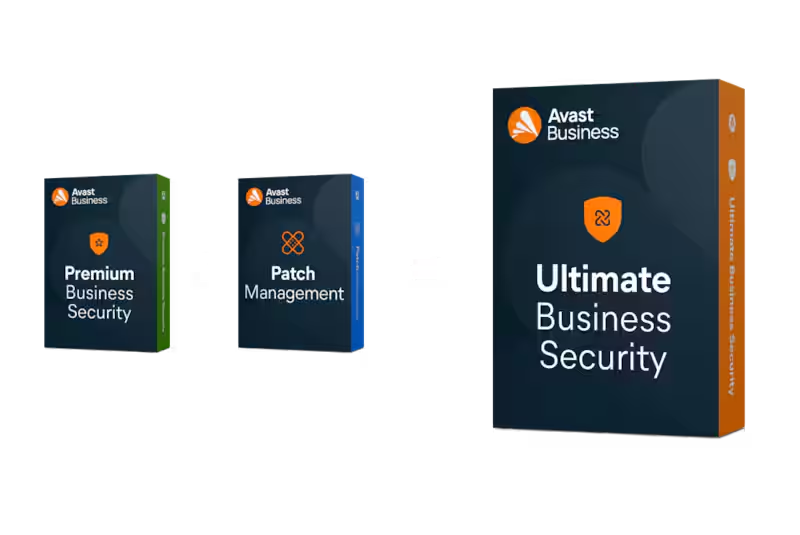
Need Patch Management? It comes included with Ultimate Business Security, our highest level of protection! This package combines our award-winning antivirus, data protection, and privacy tools to keep your devices and applications updated and secure.
Keep up with security threats and patches
Flexible deployment schedules
Schedule and deploy approved patches at desired times or manually deploy to groups or individual devices.
Master agent capabilities
Download all missing patches to a master agent that seamlessly distributes patches to all managed devices in the network.
Intuitive Dashboard
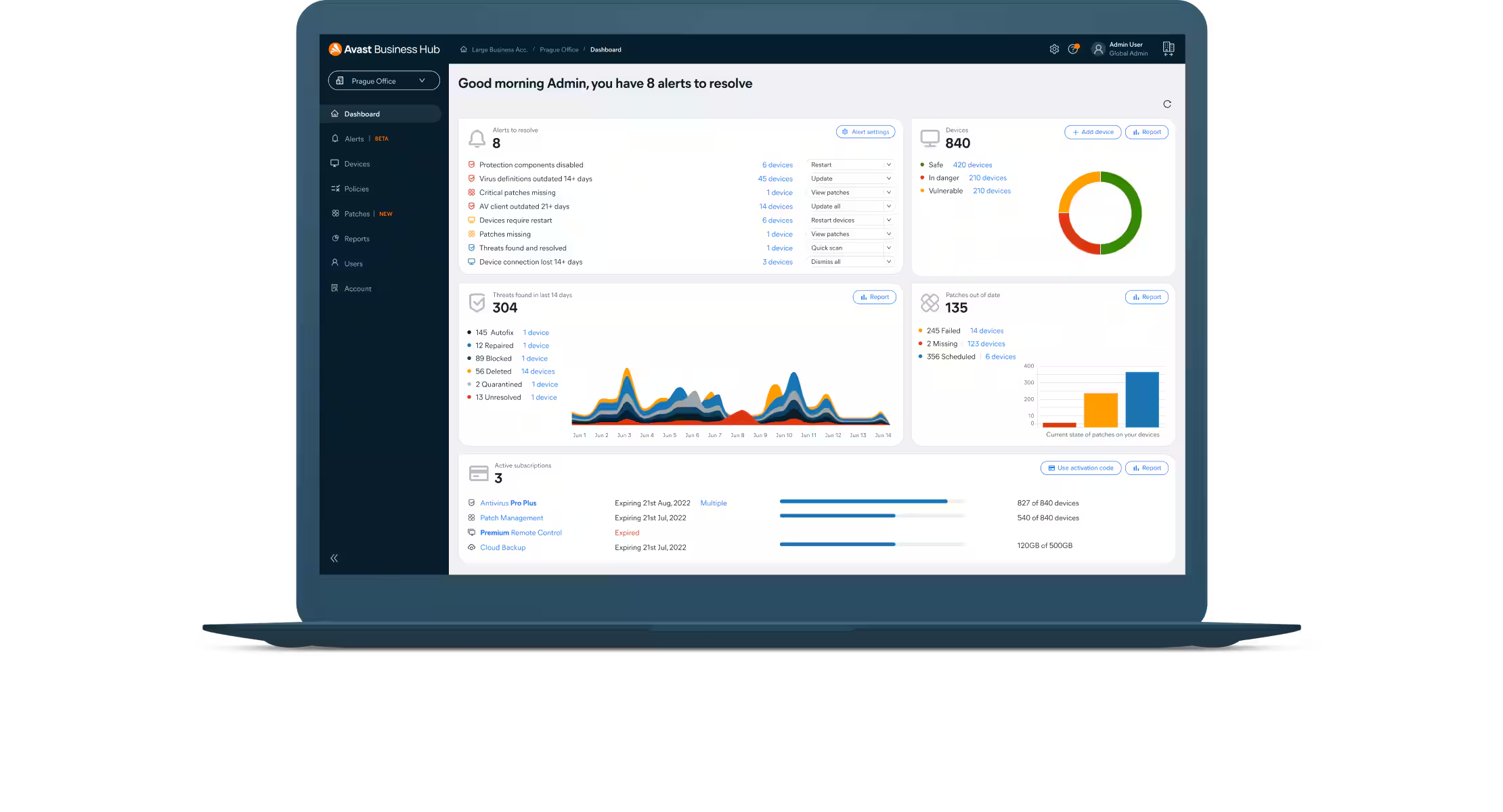
Manage all software patches and view graphical summaries of installed, missing, or failed patches from any device.
Customizable patches
Choose software vendors, products, and the severity of patches to scan and install. Easily create exclusions for applications.
Automatic scans
Schedule patch scans to run automatically every 24 hours and set patches to deploy on a specified day. These default settings can be customized at any time.
Hundreds of patches
Deploy patches for Windows operating systems and hundreds of other third-party software applications for comprehensive protection.
Roll back
Simply roll back patches if they are unstable from individual devices or ignore them, so they don’t show in patch results or get redeployed.
Comprehensive reporting
Quickly determine the health and security of device software with a variety of easily configurable reports.
Everything you need to know to use Patch Management like a pro
Should I turn off Windows Update before using Patch Management?
No, you should not disable the Windows Update service, but you do need to adjust the Windows Update settings via the Windows Update Center and/or Group Policy. This is so Patch Management can provide updates.
The Windows Update settings should be set to either Manual or Automatic to successfully deploy patches. In addition, the Windows Update setting on each target machine (Control Panel > System and Security > Windows Update > Change settings) should be set to Never check for updates.
Are there any hardware/software changes I should complete before using Patch Management?
Deployment of patches will run under the remote machine’s Local System account, so make sure this is allowed.
How do I set up a patch schedule for groups and/or devices?
You can set up your patch schedule in Device Settings > Policy > Patch Management > Step 2. All devices or groups under the Patch Management policy will follow the schedule you set.
How do I see the patch status for all my managed devices?
Simply go to your Patches page, which will provide detailed information on the severity of missing or installed patches with vendors, and on software applications.
Where can I see how many devices are licensed for patch?
You will be able to see how many devices are licensed for patch under the ‘Subscriptions’ section in the console.
Why are my Mac OS X devices not being patched?
Avast Business Patch Management is currently available only for Windows and Windows Server.
Where can I modify the patch schedule and add exclusions?
You can modify the patch deployment schedule and exclude vendors and applications by going to Device Settings > Select Policy > Patch Management tab.
Can I patch all my devices in a single step?
Yes, you can manually deploy patches to individual devices and groups of devices in one step.
What statuses do patches have?
Patches will be in one of the following states:
Scheduled: Grey Icon – Patch approved and scheduled to be deployed to device/s
Deployed: Green Icon – Patch successfully deployed to device/s
Failed to deploy: Red Icon – Failed to deploy patch/es to device/s
Missing: Yellow Icon – Patch is missing from device/s
Waiting to scan: Grey Icon – Waiting to run patch scan on device
Failed to scan: Red Icon – Failed to run patch scan on device
How long does it take to patch a device?
It could take a few seconds or several hours. The time depends on the size of the patch that is being downloaded to the device, the software application it is updating, and the hardware of the device.
Will my device that is set as the Master Agent download patches and deploy + to my devices?
Yes, the device you have selected as the Master Agent will be used to store the software application patches and will distribute them to devices on the network to save bandwidth. If you do not have a Master Agent selected, devices will download the software application patch directly from the internet (not recommended).




Reviews
There are no reviews yet.