
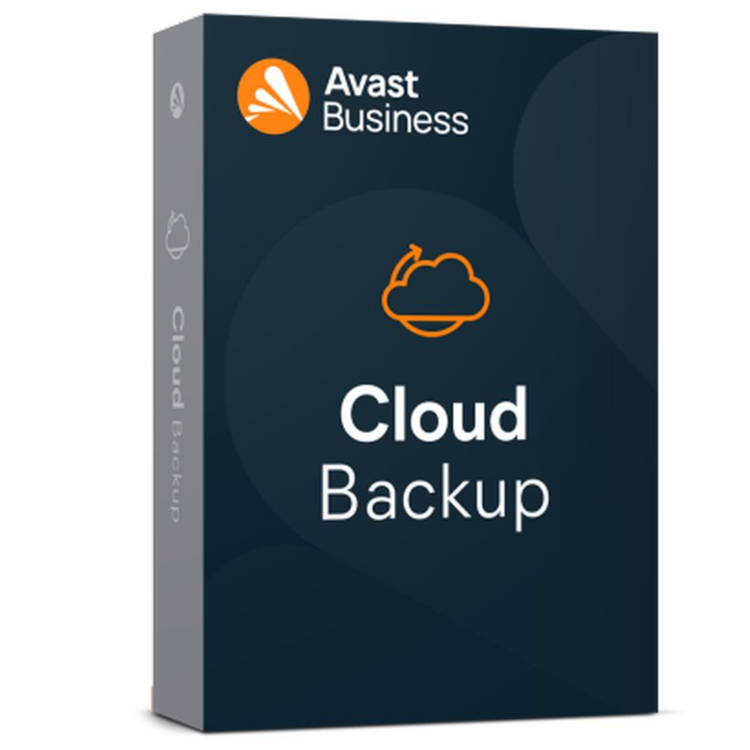

Avast Business Cloud Backup is a helpful tool that automatically saves copies of your company’s files to a secure online space. It acts like a safety net for your digital work, so if a computer breaks or a virus locks your files, you can quickly get your information back and keep working.
You can manage all your office computers from one simple screen, and the service uses strong security to keep your private data scrambled so strangers can’t read it. It stays busy in the background, making sure your important documents are always protected and ready for you when you need them.
Pros:
- Easy remote deployment and centralized control
- Scalable for growing or multi-location businesses
- Secure, encrypted cloud storage
- Reliable data recovery helps maintain business continuity
Cons:
- Requires consistent internet connectivity for backups and restores
- Subscription-based model may not suit every budget
- Initial full backups may take time depending on data size and bandwidth
System Requirements:
Why do you need backup?
WHITE PAPER
5 steps to protect small businesses from ransomware
Ransomware protection
Stay prepared against ransomware threats and ensure business continuity.
Secure encryption
Every file is securely encrypted, both in transit and in the cloud.
Easy to use
Back up your most critical data from anywhere. Get peace of mind that your files, folders, servers, QuickBooks, and other accounting files are safe.
Unlimited devices & retention policy
One backup plan allows you to protect as many devices as you want and keep your history for as long as you need it.
Easy management & recovery
Easy management and recovery from anywhere from our Business Hub cloud-based platform.
Cloud Backup FAQs
Why do I need Cloud Backup?
With growing remote workforces, increasing threats of ransomware, and expanding
compliance needs, the risk to endpoints has never been higher. SMBs cannot keep up and
the bad guys know it! As a result, malware and ransomware attacks have exploded. IT
administrators need a backup and recovery solution they can rely on to combat these
threats.
Did you know that a business falls victim to a ransomware attack every 14 seconds and
the average ransom payment is $84,116? Despite these statistics, one in five SMB leaders
said they do not currently have a data backup or disaster recovery solution in place. Every
company needs a secure, simple-to-configure, and easy-to-manage endpoint data
protection solution. Avast Business Cloud Backup safeguards your most critical business
data and fulfills backup and retention requirements.
What is the difference between cloud storage and cloud backup?
Are my backups secure?
Yes. We encrypt the files before they leave your computer and encrypt them again during
transit to one of our data centers, utilizing the same security technology that is used in
online banking and e-commerce transactions. Your files remain encrypted on our servers,
which are housed in state-of-the-art data centers that are guarded 24 hours a day, 7
days a week.
Avast Business Cloud Backup utilizes a powerful combination of symmetrical and
asymmetrical encryption. The United States government recently approved 192-bit AES
encryption as the preferred method for protecting top secret information. Our Cloud
Backup solution uses an even more secure 256-bit AES encryption level. Your data is
secured by this robust encryption methodology, both while being transferred offsite and
also during its storage.
Furthermore, multi-factor authentication (MA) offers an additional security layer for
accessing backup data.
How often should I schedule cloud backups?
Why get cloud backup services for your business?
Do I need to back up my entire computer?
How long does it take to back up a computer?
How will online backup affect my internet speed?
What is the difference between local backup and cloud backup?
Local backups are usually saved to either a partition on the original computer’s hard drive or to an external hard drive. Cloud backups are saved to secure, remote servers, often with multiple copies in several geographically diverse locations (this is known as “geo-redundancy”). The latter is considered safer because local drives are just as susceptible to hardware/software failure, theft, and loss as the computers they back up. Cloud servers are much less likely to fail and can’t really be stolen.
Local drives need to be physically connected to the computer and the backup is usually run manually. Avast Business Cloud Backup is automated and runs in the background daily, hourly, etc.
How does online backup work?
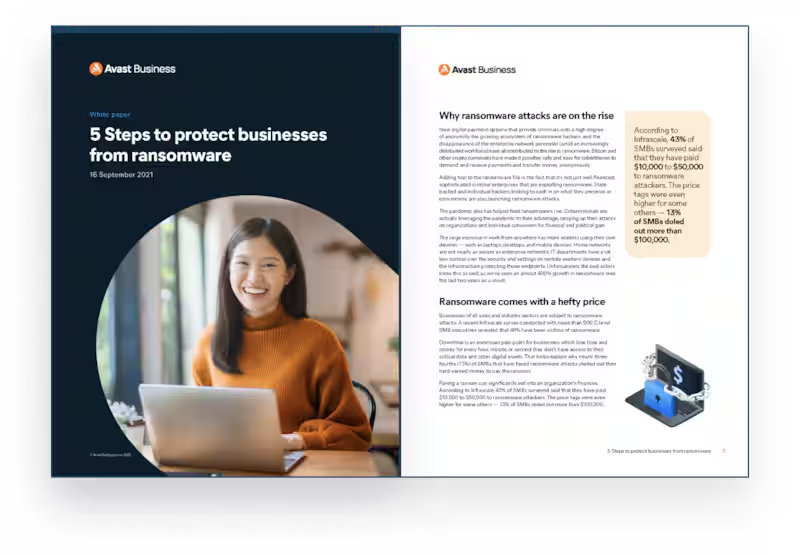
Backup means copying files and folders from one location to another. Online backup means the data is transmitted from location A to location B through the internet. The files and folders stored online are an exact replica of what is stored on your local computer.
Most online backup services, after an initial setup where the user selects what files and folders to back up, are automated. That means you don’t have to manually run the backup program or upload files as you create them. The backup app runs in the background, updating your online stored files weekly, daily, or even continuously as you work.
Cloud backup, the most popular type of online backup, copies files to a remote cloud server or servers. Typically, several copies of a user’s files are stored in several locations, so even if one server fails, another is ready and waiting with the up-to-date data. The files can be accessed via a web app from anywhere in the world on any compatible computer with internet access.
Can I use Avast Business Cloud Backup to protect both Windows and MacOS computers?
Do all file versions count against my data limit?
No, not all file versions count against your data limit.
A Baseline file is created. Then, when the file is changed, our software calculates a Delta (the part of the file which was changed). The Delta is uploaded to our server and the newer version of the local file is cached. When a new change to the local file is applied, the second Delta is generated and uploaded to the server, and the whole local file is put to cache again.
When doing a recovery from the cloud at this stage, our software retrieves the latest Baseline + the latest Delta from the cloud and merges them.
A file is fully uploaded (a new baseline is created) when the new file is more than 50% larger or smaller than the initial baseline or the cache is cleared. We count Used Space against the data limit as a sum of MAX Baselines only.
Reviews
There are no reviews yet.