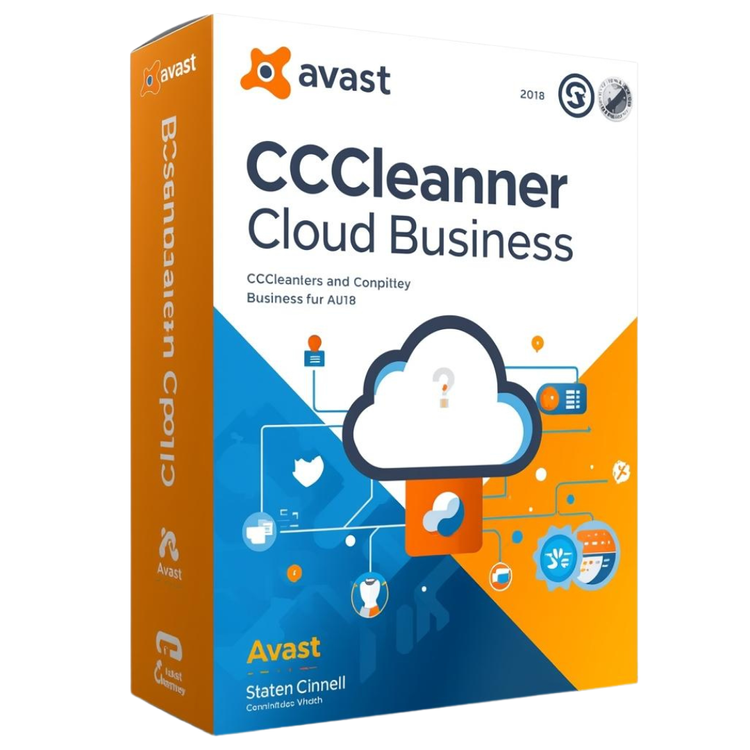

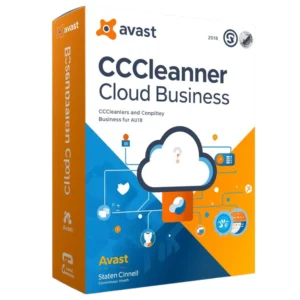
Accelerate your company’s workflow with CCleaner Cloud Business Edition, an essential utility that enables you to refine, monitor, and repair your entire fleet of PCs through a centralized online interface. This platform eliminates the need for manual troubleshooting by allowing your staff to trigger deep system tune-ups across every workstation with just a few clicks. By scheduling these routine optimizations, you guarantee that your hardware remains agile and responsive for every employee.
This versatile dashboard also tracks the vital signs of your equipment to help you anticipate and prevent hardware failures before they interrupt your operations. Because it functions entirely within your web browser, you can oversee your office infrastructure and wipe digital clutter from any location at any time. Implementing this proactive maintenance strategy keeps your systems running at peak efficiency while shielding your professional privacy.
Pros:
- Centralised cloud console for remote management of multiple PCs.
- Automated scheduling of cleaning, registry fixes and optimisation tasks.
- Hardware & software inventory, reporting and event logging for IT visibility.
- Helps extend the usable life of PCs by reducing clutter, freeing disk space and boosting performance.
Cons:
- Supports only Windows PCs (no native macOS or Linux support mentioned).
- Requires internet connection and proper setup of cloud agent for remote features.
- Focuses on optimisation and maintenance rather than full endpoint security suite—may require additional security tools.
System Requirements:
Optimize and Manage All Business Devices with Avast CCleaner Cloud
Avast CCleaner Cloud for Business helps you clean, optimize, and monitor multiple Windows devices remotely. Improve system performance, protect sensitive data, and simplify device management from a secure cloud dashboard.
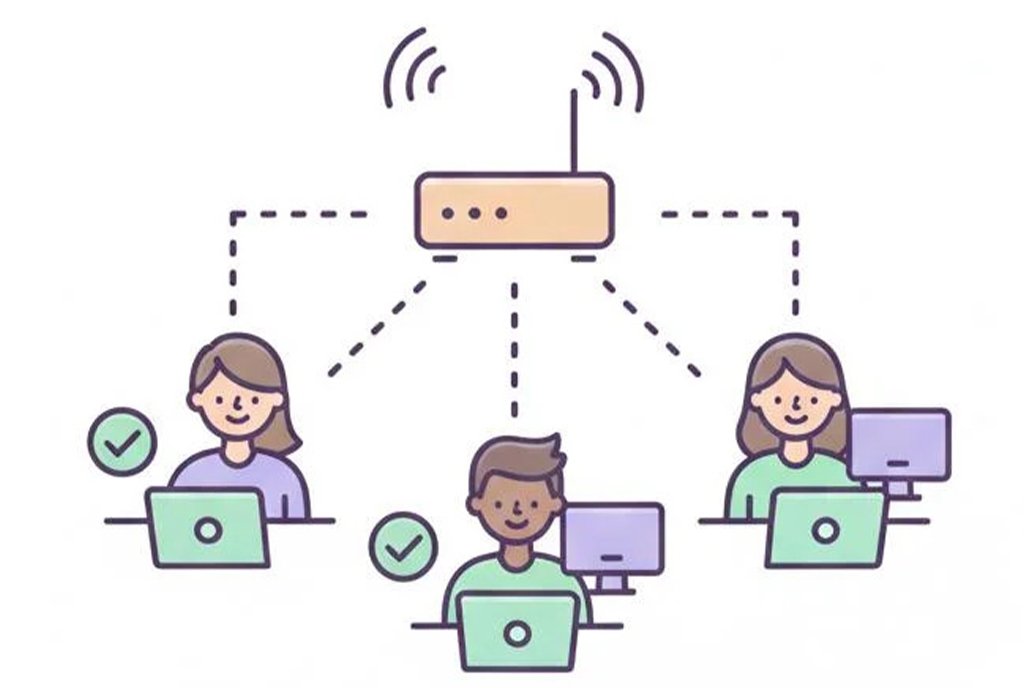
Remote Device Management
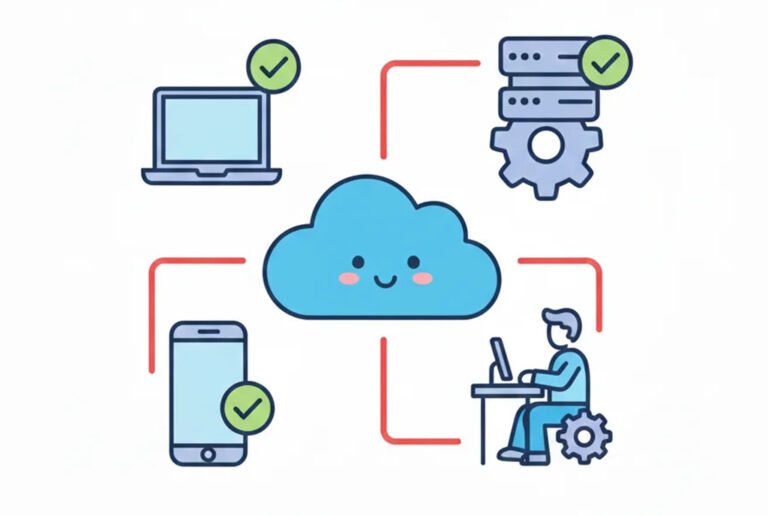
Manage all your business PCs and laptops from a single cloud dashboard. Schedule cleaning, updates, and optimizations without disrupting employees’ work.
System Cleaning & Optimization
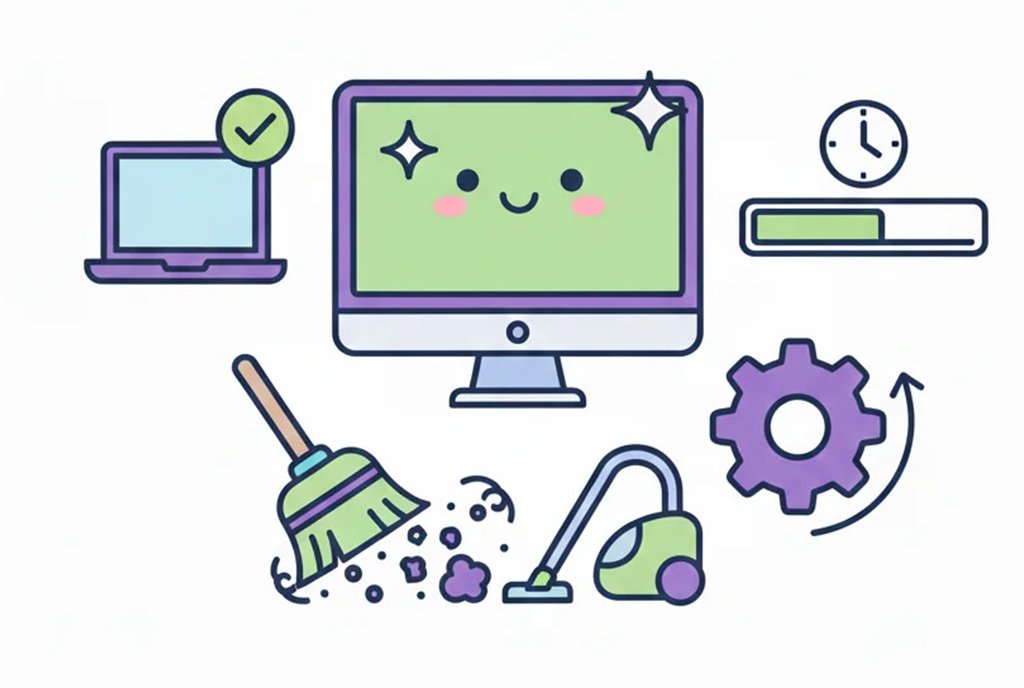
Automatically remove unnecessary files, browser caches, and temporary data to keep all devices running smoothly. Schedule maintenance tasks for ongoing optimization.
Security & Data Protection
Securely clean traces of online activity, temporary files, and logs to protect sensitive business data and maintain compliance with company policies.
Reporting & Insights
Generate detailed reports on system cleaning, device optimization, and health status. Monitor all devices and make informed decisions to improve performance and security.
Optimize and Secure Your Business Devices from Anywhere
- Remotely clean junk files, caches, and temporary data across all Windows devices in your business network.
- Monitor device health, performance, and storage usage from a single secure cloud dashboard.
- Ensure sensitive business data is protected by securely removing traces of browsing history, logs, and temporary files.
- Schedule regular maintenance and updates automatically to keep all devices running smoothly.
Optimize and Secure Your Business Devices from Anywhere
Remote Device Management
- Clean junk files, caches, and temporary data on all Windows devices from a single cloud dashboard.
- Monitor device performance, storage usage, and overall health in real time.
- Secure sensitive business data by removing traces of browsing history and temporary files.
- Schedule automated maintenance and updates for all devices to maximize efficiency.
FAQs - CCleaner Cloud for Business
What is CCleaner Cloud for Business?
CCleaner Cloud for Business is a cloud-based platform that allows IT teams to monitor, clean, and optimize all business devices remotely. It helps improve device performance, remove junk files, and maintain system security from a centralized dashboard.
How can I clean multiple devices remotely?
You can use the cloud dashboard to schedule automated cleaning tasks for multiple devices simultaneously. This includes removing temporary files, caches, and unnecessary system files, helping all devices run smoothly without manual intervention.
Does CCleaner Cloud improve device performance?
Yes. By cleaning junk files, managing startup programs, and optimizing system resources, CCleaner Cloud enhances device speed, reduces crashes, and improves overall system responsiveness across all managed devices.
How does CCleaner Cloud help with data security?
CCleaner Cloud can securely remove sensitive temporary files, browsing history, and cache, helping prevent unauthorized access to company data. It also allows IT teams to monitor device health and potential risks in real time.
Can I schedule maintenance tasks automatically?
Yes. CCleaner Cloud allows you to create and schedule recurring maintenance tasks for cleaning, optimizing, and updating multiple devices automatically, ensuring devices are always running efficiently without manual oversight.
Is CCleaner Cloud suitable for large organizations?
Absolutely. CCleaner Cloud for Business is designed for enterprises and IT teams managing multiple devices. It scales easily and allows centralized monitoring, cleaning, and maintenance, saving time and reducing administrative workload.
Explore More Solutions for Your Business Devices

CCleaner Cloud for Business


Remotely clean, optimize, and monitor all your business devices from a centralized cloud dashboard.

CCleaner Endpoint Management
Manage all endpoints in your organization efficiently with cleaning, maintenance, and performance monitoring.

CCleaner Professional for Business
Reviews
There are no reviews yet.