
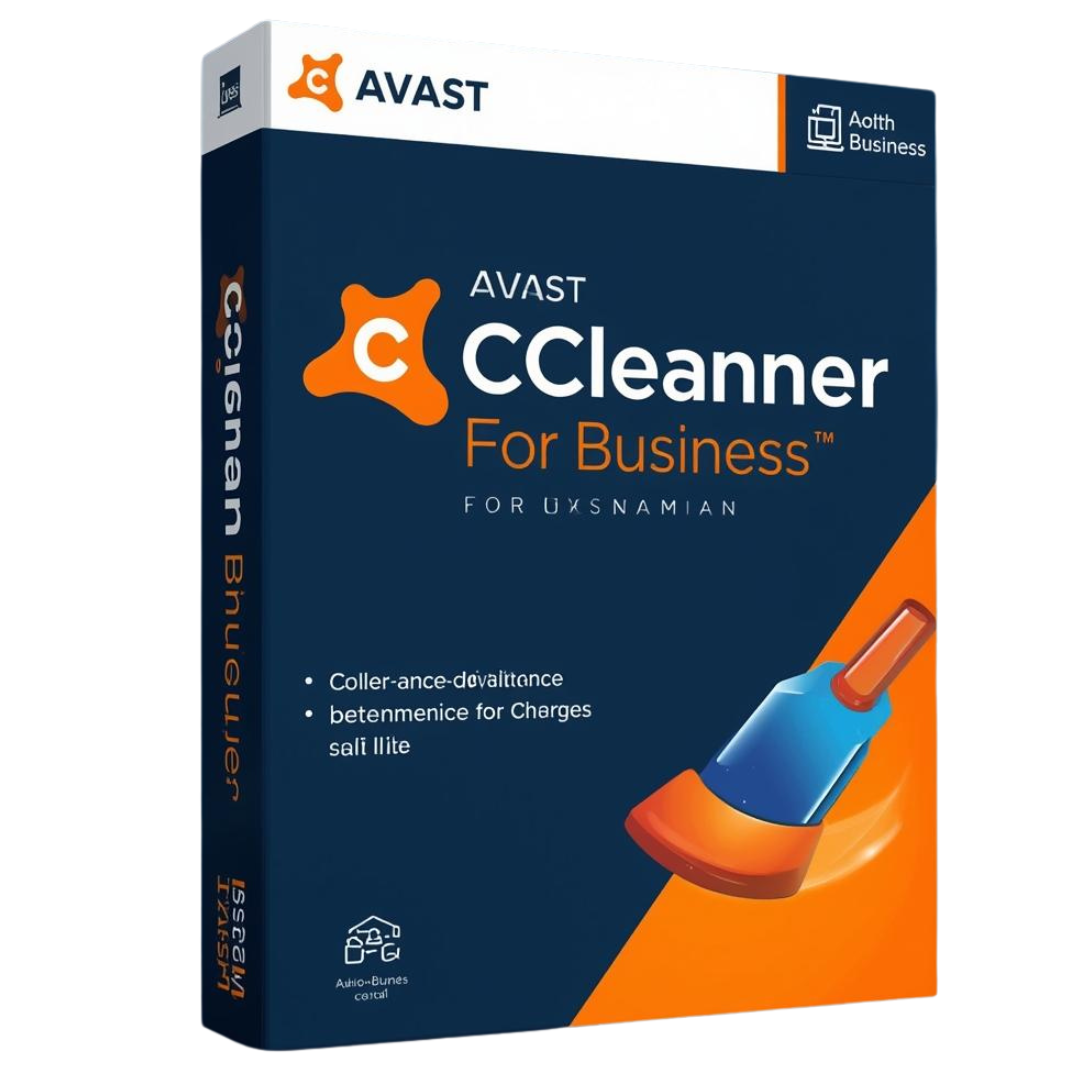

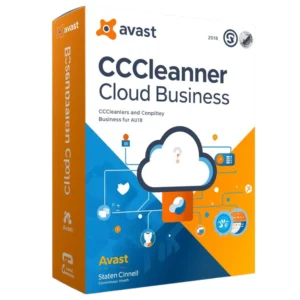
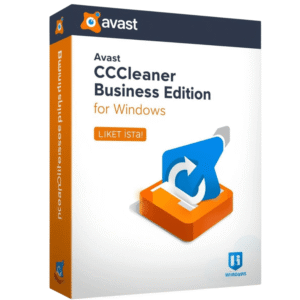
CCleaner Professional for Business is a professional-grade PC optimization tool from Avast designed to help organizations clean, manage, and maintain their computers efficiently. It keeps systems running smoothly, reduces downtime, and extends hardware lifespan by removing unnecessary files, fixing registry errors, and optimizing performance across multiple PCs.
With centralized management, automated cleaning schedules, and detailed reporting, it allows IT teams to control all endpoints from a single dashboard. The software enhances privacy protection by securely deleting temporary files and browser data while ensuring consistent performance for every workstation in your business network.
Pros:
- Centralized management for multiple PCs in a business environment
- Automated cleaning and optimization saves time for IT teams
- Improves PC speed and reduces system crashes or slowdowns
- Extends hardware lifespan by removing junk and unnecessary files
- Enhances privacy by clearing temporary and tracking data
- Provides detailed reports and audit tools for better IT control
Cons:
- Focuses mainly on optimization, not full antivirus protection
- Limited macOS and Linux support (primarily for Windows PCs)
- Advanced remote management setup may require IT knowledge
- Very old hardware may still experience performance limits
System Requirements:
AVAST CCleaner Professional for Business
Optimize and protect your business devices with advanced cleaning, performance boosting, and automated maintenance. CCleaner Professional for Business helps keep workstations fast, secure, and efficient—reducing downtime and improving productivity across your organization.



AVAST CCleaner Professional for Business
Keep your business endpoints running efficiently and securely. CCleaner Professional optimizes performance, protects corporate privacy, and automates maintenance tasks to reduce IT overhead.
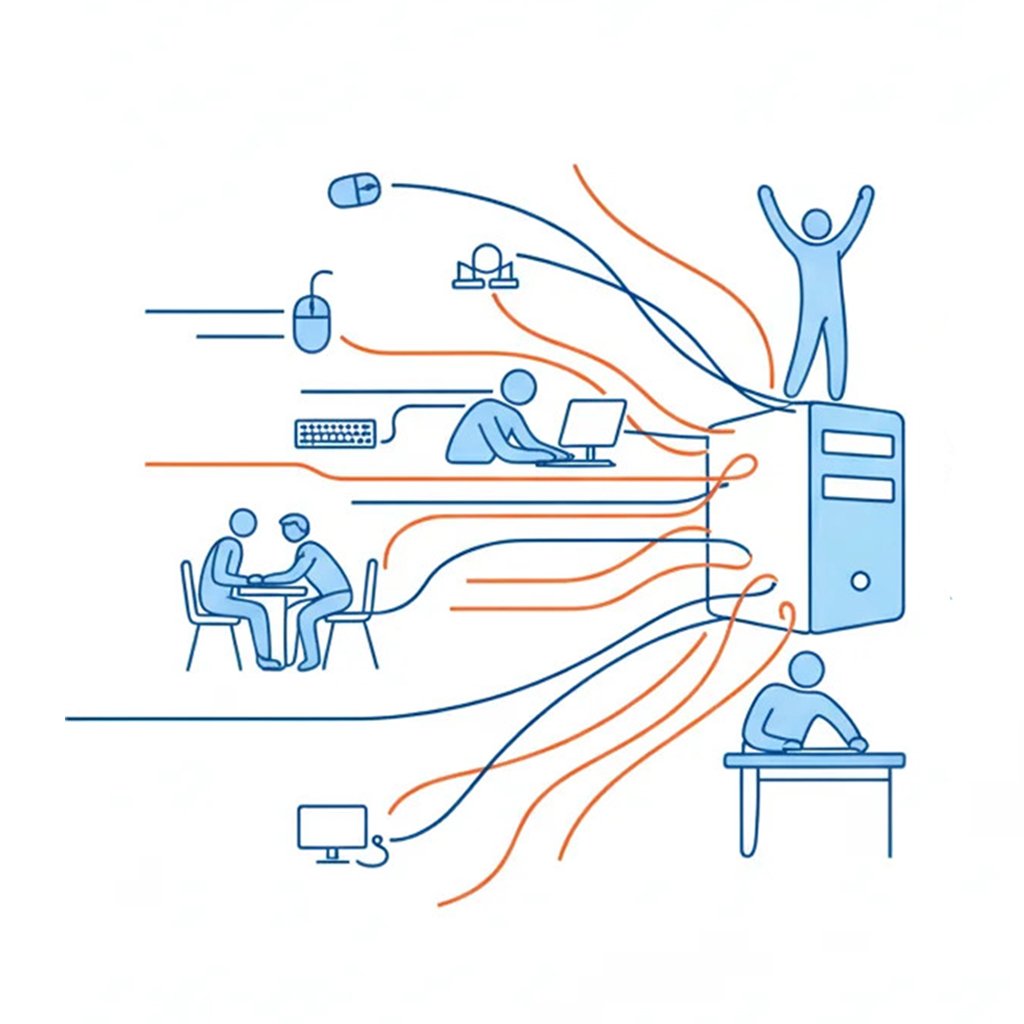
Boost the speed and performance of every workstation
Slow computers kill productivity. CCleaner Professional for Business automatically cleans junk files, optimizes startup items, and repairs registry errors to ensure every employee’s workstation runs at peak performance.

Protect sensitive business data and improve privacy
Safeguard your company’s digital footprint. Our software securely erases browser history, tracking cookies, and sensitive cache files to prevent data theft and ensure your business stays compliant with privacy regulations.
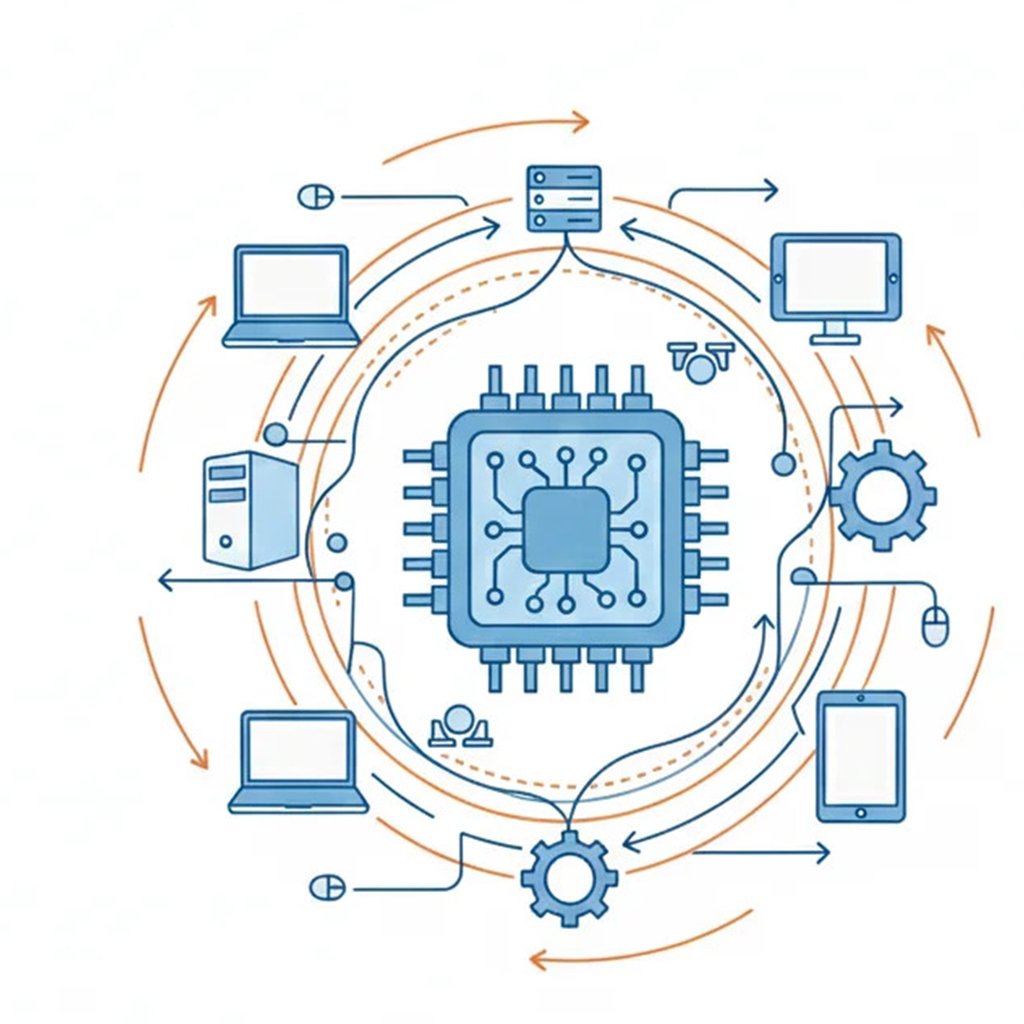
Reduce IT workload with automated system maintenance
Stop wasting time on manual cleanups. Set automated schedules to clean and update endpoints across your entire network, allowing your IT team to focus on critical tasks while maintenance happens in the background.
FAQs
I have a small business with just a few computers. Can I install Avast free consumer antivirus on those computers instead?
If you’re a business that handles client data and has servers, then you need more than what our free consumer antivirus offers. Our small business solutions provide server and endpoint protection. Avast Business solutions also offer advanced security, privacy, and productivity features to give your employees total digital privacy, security, and unparalleled productivity. They also come with an online management platform to provide real-time visibility of threats, comprehensive reporting, and remote management capabilities from a single platform.
Avast free consumer antivirus, Avast One, or Premium Security are intended for private, personal, and non-commercial use only. If you would like to use Avast in a business, commercial, non-profit, or government organization, we recommend trying Avast Business solutions.
For more information, please review our Avast End-User License Agreement (EULA).
How does Avast Small Office Protection work to secure businesses against cyberthreats?
All our products include our next-generation antivirus for businesses designed to prevent, search for, detect, and remove malware, and other malicious software like worms, trojans, adware, spyware, and more. Using top-quality prevention, detection, blocking capabilities, machine learning, advanced heuristics, advanced anti-exploit, and other Avast proprietary techniques, we protect millions of businesses worldwide. To protect users, Avast detects and immediately reports any suspicious files or behavior. This state-of-the-art infrastructure and access to an immense amount of security data gathered from hundreds of millions of devices around the globe gives us one of the largest, most advanced threat-detection networks in the world, and lets us provide unrivaled zero-day protection. Our cutting-edge technology transforms our users into a worldwide network of cooperating sensors. If any one of them encounters malware, Avast uses 6 layers of protection to identify, block, and inform the entire network in a matter of seconds.
Are there any license options for less than 10 devices?
The Avast Small Office Protection license includes up to 10 devices, meaning that you’ll be able to use it for however many devices you have as long as it does not exceed 10 devices. At Avast, we know the modern workplace has changed. On average, employees use 2.5 devices to perform their jobs. They tend to use their personal laptops, smartphones, and tablets to stay connected from anywhere. To ensure protection for all devices, Avast Small Office Protection provides a multi-device subscription to protect up to 10 devices, regardless of platform.
Is it necessary to uninstall my previous antivirus before I start using Avast Small Office
If you already have an Avast Business product without the Business Hub (our online management platform), you do not need to uninstall your current version. Avast antivirus setup automatically detects these versions and upgrades the existing installation to Avast Small Office Protection.
Reviews
There are no reviews yet.